
Quote for F5 Appliance
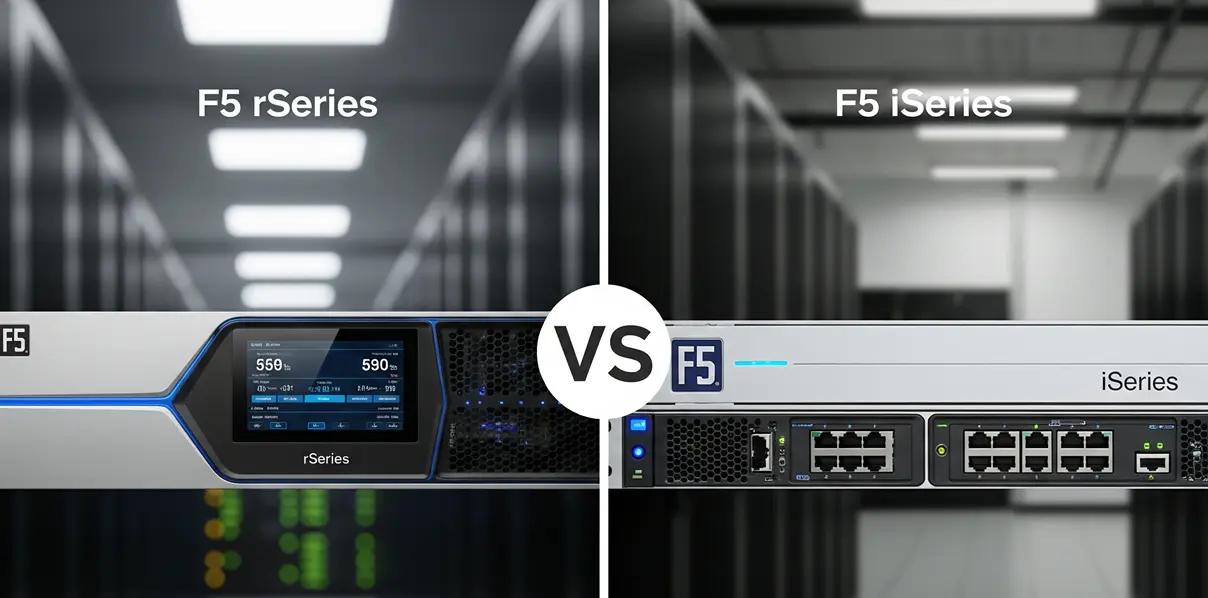
F5 iSeries and F5 rSeries appliances are both BIG-IP hardware platforms, but they belong to different generations. iSeries is the earlier appliance family that many production environments still run today. rSeries is the newer platform used for refresh projects, new deployments, and modernization plans that need updated hardware, F5OS-based management, higher interface flexibility, and a clearer growth path.
For buyers, the question is rarely just “which one is faster?” A better question is whether the current appliance still fits the workload, support plan, software version, module requirements, and replacement timeline. If you are planning a hardware refresh, this guide explains the main differences and how to prepare a practical sourcing request.
Quick Comparison: F5 rSeries vs iSeries
| Area | iSeries | rSeries | What Buyers Should Check |
|---|---|---|---|
| Platform generation | Previous BIG-IP appliance generation | Newer BIG-IP appliance platform | Confirm whether this is maintenance, replacement, or modernization |
| Architecture | Traditional BIG-IP appliance design | Modernized platform with F5OS-based operation | Migration may require planning beyond a simple model swap |
| Use cases | Existing LTM, DNS, WAF, and traffic management deployments | New deployments, refresh projects, and higher-growth environments | Match the target model to real workload requirements |
| Interfaces and accessories | Depends on legacy model and configuration | Varies by rSeries model and module package | Check port speed, optics, rails, power, and HA pair consistency |
| Licensing and support | Existing entitlement and support status may vary | Licensing, software compatibility, and support must be verified | Do not assume licenses or support transfer automatically |
When iSeries Still Makes Sense
An iSeries appliance can still be useful when the environment is stable, the workload is predictable, and the goal is short-term maintenance rather than a platform refresh. Some teams keep iSeries units for spares, lab validation, or continuity while a migration plan is being prepared.
However, relying on older hardware for too long can create procurement and operational risk. Availability may be limited, replacement units may vary by condition, and support or software compatibility should be checked before purchase. If an iSeries unit is being sourced as an emergency replacement, document the exact model, module licenses, serial number requirements, and accessory needs before comparing offers.
Why Teams Move to rSeries
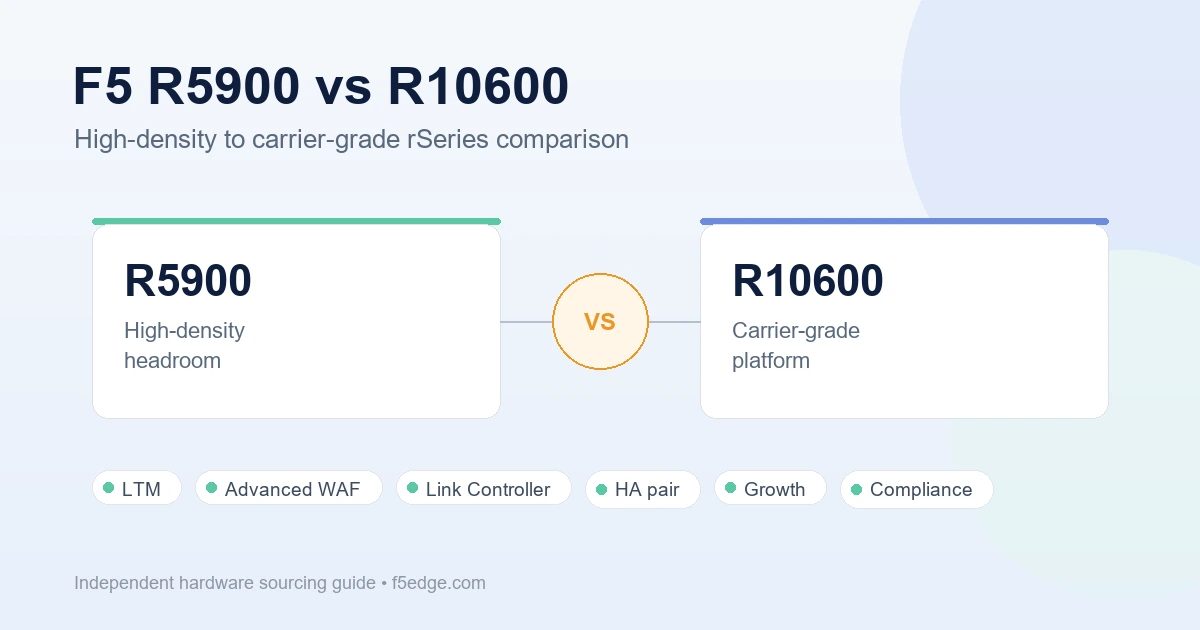
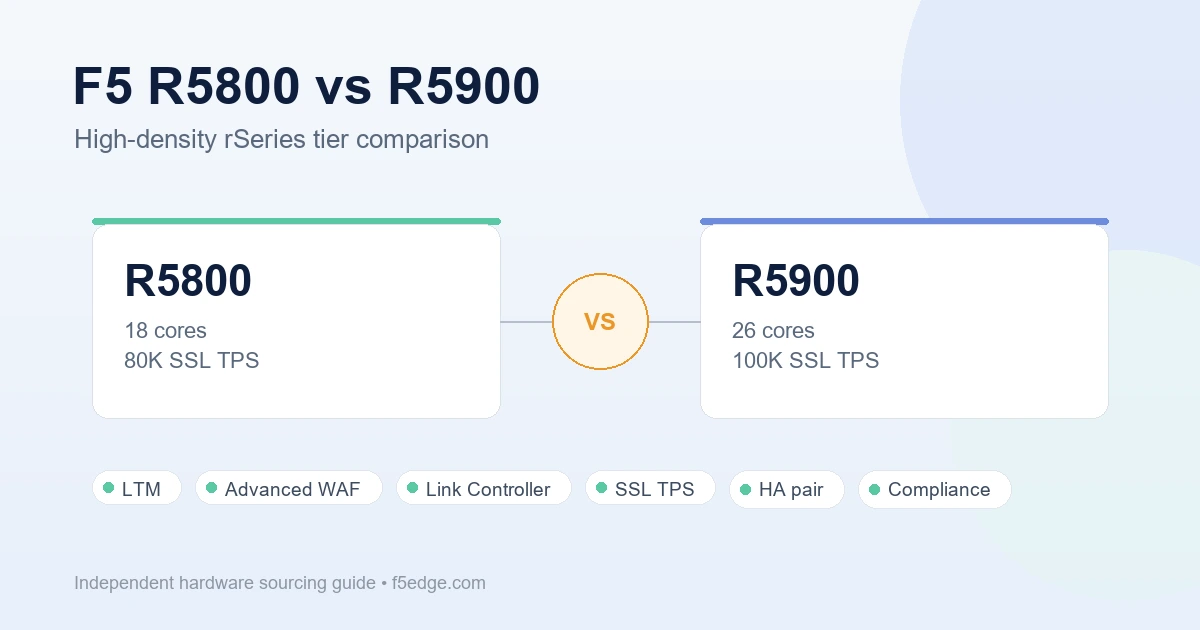
F5 rSeries appliances are usually evaluated when teams need more modern hardware, updated management, better growth planning, or a cleaner long-term replacement path. rSeries can be a strong fit for BIG-IP LTM, Advanced WAF, Link Controller, DNS, and broader application delivery projects, depending on the selected model and licensed modules.
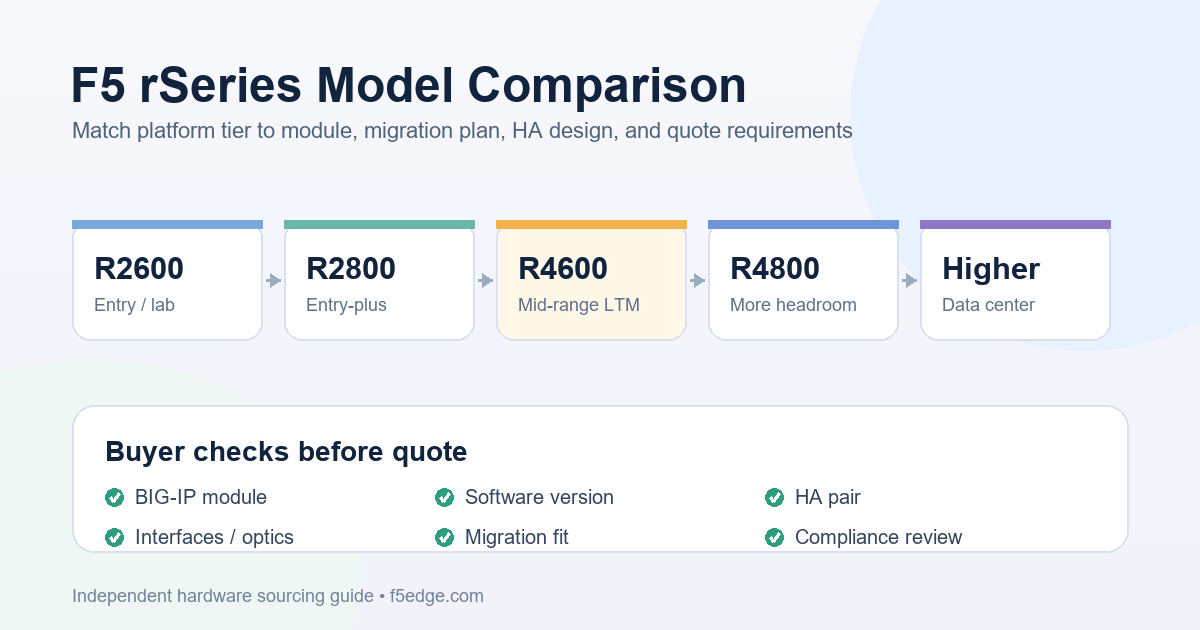
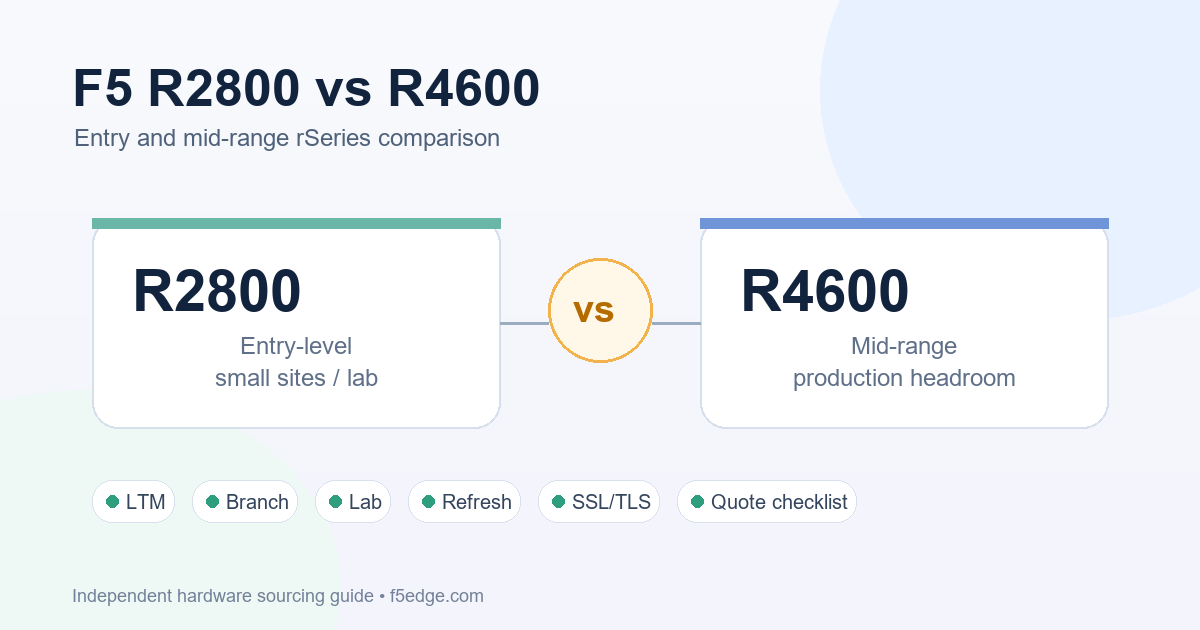
For example, teams evaluating a mid-range LTM deployment often review the F5 BIG-IP R4600 LTM sourcing guide to understand what information should be confirmed before requesting a quote. If the target model is already known, the F5 BIG-IP R4600 LTM product page can help buyers check the product context before discussing availability, accessories, and lead time.
Do Not Assume a One-to-One Replacement
A common mistake is assuming an old iSeries model maps directly to one rSeries model. In practice, replacement planning should start with workload data: throughput, SSL/TLS requirements, concurrent connections, active modules, virtual servers, WAF policy size, interface speed, HA design, and expected growth.
The right rSeries option may differ depending on whether the project is LTM-only, security-focused, link-controller related, or a multi-module deployment. If the environment requires security services, compare the relevant appliance and module options instead of only checking base hardware. For R4600-class projects, buyers may also review the R4600 Advanced WAF option or the R4600 Link Controller option when those modules are part of the requirement.
Migration and Sourcing Checklist
Before replacing iSeries with rSeries, collect the details that affect both technical fit and quote accuracy:
- Current iSeries model, serial number, BIG-IP version, and hotfix level
- Active modules such as LTM, Advanced WAF, DNS, AFM, APM, or Link Controller
- Traffic profile, SSL/TLS needs, interface speed, optics, and HA requirements
- Target rSeries model or acceptable alternatives
- Required accessories such as rails, power supplies, transceivers, and regional power cords
- Support expectations, warranty needs, delivery region, and deployment timeline
- Export control, end-user, and procurement documentation requirements
For procurement teams comparing multiple offers, the F5 BIG-IP hardware quote checklist is a useful companion because it explains how to compare model, condition, licensing, support, warranty, lead time, and documentation instead of choosing only by price.
Summary
iSeries is the older BIG-IP hardware generation and may still serve stable legacy environments. rSeries is the newer platform for refresh, modernization, and new deployment planning. The best choice depends on workload, module needs, lifecycle goals, budget, licensing, support status, and migration risk.
F5edge.com provides independent sourcing assistance for F5 hardware buyers. We do not claim to be an official or authorized F5 reseller. Quote requests are subject to availability, configuration review, and export control or trade compliance checks. To request help, prepare your current model, target use case, quantity, destination country, and required timeline so the sourcing discussion can start with accurate information.