
Quote for F5 Appliance
Most rSeries migration problems don’t show up in a sizing spreadsheet. They show up mid-migration, as an error string on screen: mcpd is not in the running phase, Symmetric Unit Key decrypt failure, Illegal reference. This guide is organized around those exact symptoms, based on how F5 engineers have actually described them in F5 Community and Reddit’s r/f5networks threads — not a theoretical migration checklist. For the hardware-to-hardware mapping itself, pair this with the iSeries to rSeries replacement map; for HA pairs specifically, see the HA pair migration guide.
One thing to set expectations on up front: not every error in this guide has a confirmed fix. Where that’s the case, this guide says so directly and gives you the mitigation path instead of pretending there’s a clean answer.
Before You Start: What Changes Architecturally from iSeries to rSeries
A large share of migration confusion traces back to assumptions carried over from iSeries that no longer hold on rSeries:
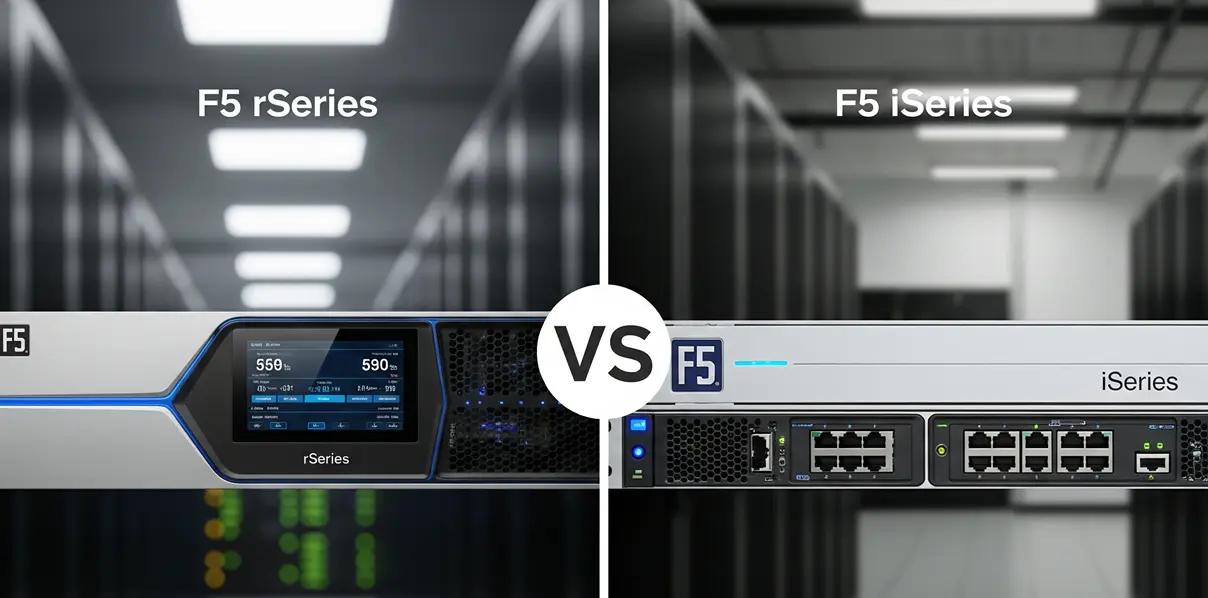
- The dedicated HA failover port has no function on rSeries. rSeries runs on F5OS with a tenant architecture, and HA is built tenant-to-tenant, not through a dedicated physical failover port the way iSeries worked. If you cable up the old HA port and see no link activity, that’s expected, not a hardware fault.
- There is no bare-metal install anymore. Everything runs inside an F5OS tenant. Plan configuration and licensing around the tenant, not the chassis.
- TMOS version support is narrower than you’d expect. v16 is not supported for rSeries tenants. You need 15.1.x or 17.1.x. Check this before you pick a target version, not after a failed load.
- You cannot restore an old-major-version UCS straight onto a new-major-version tenant. A 15.x UCS cannot be loaded directly onto a 17.x tenant. The documented path is to stand up a 15.x tenant first, restore into that, then upgrade the tenant to 17.x — and confirm the
big3dversion on the source side is the same or newer before you start, since a mismatch there is a separate, harder-to-diagnose failure.
None of this is exotic once you know it. The problem is that it’s scattered across community threads rather than stated up front in one place — which is the gap this section exists to close.
Journeys Tool Errors, by Symptom
The official Journeys migration tool is the most common path from legacy BIG-IP hardware to rSeries, and it’s also where most reported failures originate. Below are the errors that show up repeatedly, grouped by what’s actually going wrong.
“mcpd is not in the running phase” This blocks any UCS save/load step. It means the management process daemon on the source or target isn’t fully up yet when Journeys tries to act on it. Before retrying, confirm the unit you’re pulling from or pushing to has finished booting and is in a stable running state — don’t queue the migration step immediately after a reboot or a fresh tenant provision.
“Provided source credentials do not match the ones found in the source configuration” This shows up even after following the documented master-key-and-password-change procedure, and it’s a credentials/master-key mismatch specifically, not a typo. If you changed the source unit’s password as part of prepping for migration, double-check that Journeys is pointed at the credential state that matches what’s actually encoded in the source UCS — not the password you’re using to log in today.
“high-config-load-failed” / “UCS installation failed” This one is commonly a point-release mismatch, not a major-version mismatch. Two units on 15.1.5 vs 15.1.10.3, for example, can be different enough for the UCS install step to abort. Confirm the source and target are on matching point releases before deployment, not just matching major.minor.
Docker permission error during Journeys installation itself (Error while fetching server API version: PermissionError(13, 'Permission denied')) This happens before migration even starts — it’s a Journeys install-time issue on the machine running the tool, tied to Docker permissions. Confirm the account running Journeys has the Docker group membership or sudo rights the official install guide specifies; this is an environment problem, not a migration-logic problem.
Around 30 unfamiliar settings appear in the config after migration This is a known pattern with chained migrations (for example, i2800 → r2600 v15 → r2600 v17). The extra entries are typically platform-default or version-default objects — things like Distributed Cloud Services hooks or protocol inspection objects — that didn’t exist on the source but get added as defaults on the target version. Before deleting anything, diff the new settings against the target version’s known defaults rather than assuming they’re leftover cruft; some are safe to remove, some aren’t, and it depends on the specific objects.
Master Key / “Symmetric Unit Key Decrypt Failure” — a Known Unresolved Issue
This is the one to flag clearly rather than promise a fix for: 010713d0:3: Symmetric Unit Key decrypt failure.
This exact error code has surfaced independently across at least three unrelated migrations — different users, different hardware combinations (r2600 to a BIG-IP VM, 4000s to r4600, and a legacy-to-r2800 restore) — and in more than one of those cases it occurred *even after the master key was copied to the new tenant and verified*. No fix has been confirmed in the threads where this has come up.
What that means practically:
- If you hit this error, it is very likely not something you did wrong in the migration steps. Verified master-key copies have still hit it.
- Open an F5 support case and attach a qkview from both the source and target — this is a case where getting it in front of F5 directly is more productive than iterating on your own.
- Separately, back up the master key *before* you need it, not during an emergency. One documented case involved a hardware failure where the replacement unit arrived and the team discovered they didn’t have the old master key saved at all, which blocks UCS restore outright, independent of the decrypt-failure issue above. Master key export should be a standing part of your BIG-IP backup routine, not a migration-day task.
- If the decrypt failure blocks a time-sensitive cutover, treat rebuilding the configuration from a Single Configuration File (SCF) export or from source-of-truth automation (if you have it) as your fallback path rather than waiting on a UCS restore that may not resolve.
Phased and Hybrid Migration Planning
Not every migration is a single cutover window. Two patterns come up often enough to call out directly:
- Per-application phased migration instead of a full device-group cutover. Teams doing this specifically to limit blast radius on a large environment can do it, but Journeys’ official documentation covers full-device and per-app modes without much guidance on the hybrid case — moving applications gradually off a shared legacy pair while GTM/DNS continues serving both old and new targets during the transition. Plan the GTM/DNS side explicitly: which listeners point where, and for how long, during the overlap period.
- AS3 conversion during migration. Loading a UCS into Journeys and deploying it to the new platform can translate the configuration to AS3. If your team currently manages virtual servers through the GUI, confirm before migration whether that workflow still applies post-migration, or whether ongoing changes need to go through AS3/declarative tooling instead. This is a operational-model question to answer before cutover, not something to discover afterward.
Post-Migration Checks
Before calling a migration complete:
- Confirm virtual server health status matches on both the LTM side and, if in use, the GTM side — a mismatch here (LTM green, GTM red) has been reported as a lingering issue even when certificates and iQuery discovery both check out, and is worth a specific health check rather than assuming green-on-one-side means the whole path is healthy.
- Diff the new configuration against the source rather than spot-checking, especially after a chained or multi-hop migration.
- Re-verify HA and failover behavior on the new platform independently — see the HA pair migration guide for the parallel-build pattern this site recommends instead of a live in-place swap.
Quote Checklist
If migration troubleshooting is turning into a decision to replace rather than repair legacy hardware, use the F5 BIG-IP hardware quote checklist alongside this guide, and confirm target TMOS version support and licensing before requesting a quote — see the EOL replacement guide if the trigger for this migration is aging or unsupported hardware.
Compliance Note
F5, BIG-IP, iSeries, rSeries, F5OS, Journeys, and related product names are trademarks of their respective owners. F5edge.com provides independent hardware sourcing support and does not claim to be an official or authorized F5 reseller.
The troubleshooting steps in this guide are based on patterns reported across public F5 Community and Reddit discussions and are provided as a starting reference, not a guarantee of resolution. Some issues described here, including the Symmetric Unit Key decrypt failure, have no confirmed fix at the time of writing. Always validate migration steps against current official F5 documentation and, for unresolved errors, an active F5 support case.
FAQ
Why does Journeys fail with “mcpd is not in the running phase”?
The management process daemon on the source or target unit isn’t fully up when Journeys tries to run a UCS save/load step. Confirm the unit has finished booting and is stable before retrying, particularly if the step follows a reboot or a fresh tenant provision.
What does “Symmetric Unit Key decrypt failure” mean, and how do I fix it?
It’s a master-key decryption error during UCS restore that has been independently reported across multiple unrelated migrations, including cases where the master key was verified as correctly copied. There is no confirmed fix in public discussion at this time. Open an F5 support case with qkviews from both source and target, and have an SCF-based or automation-based rebuild path as a fallback if the timeline is tight.
Can I do a per-application phased migration instead of a full cutover?
Yes, but plan the GTM/DNS side explicitly, since Journeys’ official guidance mainly covers full-device and per-app modes separately rather than the hybrid case of running both during a gradual transition.
Does migrating with Journeys convert my configuration to AS3?
It can. Confirm before migration whether your team’s GUI-based virtual server management workflow still applies afterward, since a UCS deployed through Journeys can come out the other side as AS3-managed configuration.
What architectural differences should I expect moving from iSeries to rSeries?
The dedicated HA failover port has no function on rSeries — HA is built tenant-to-tenant on F5OS instead. There’s no bare-metal install anymore. TMOS v16 isn’t supported for rSeries tenants (use 15.1.x or 17.1.x), and you can’t restore an old-major-version UCS directly onto a new-major-version tenant without staging through a matching version first.
After migration, I have extra settings I didn’t have before. Can I delete them?
Often these are platform-default or version-default objects added automatically on the target version, not leftover artifacts. Diff against the target version’s known defaults before removing anything — some are safe to delete, some aren’t, and it depends on which specific objects showed up.