
Quote for F5 Appliance
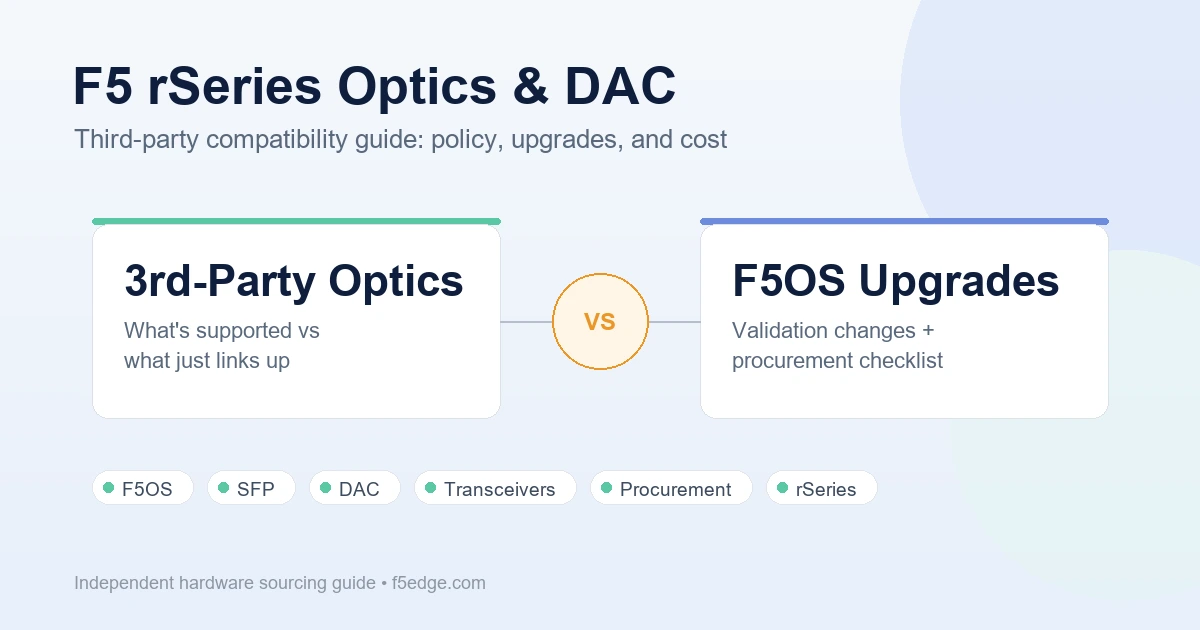
If you’ve cabled up an rSeries unit with third-party SFPs or DAC cables and everything worked fine — that’s real, and it’s also not the same thing as being supported. F5’s official position, and a growing thread of community reports since late 2025, both point to the same gap: third-party optics can link up on rSeries, but F5 doesn’t guarantee they’ll keep working across firmware versions, and TAC won’t troubleshoot a link fault with them installed. This guide separates what’s officially documented from what buyers and network engineers have actually run into, so you can plan optics procurement before it becomes a surprise line item.
What F5 Actually Supports
F5’s own hardware accessories documentation states it plainly: F5 only provides support for F5-branded or F5-provided copper transceiver and/or optical transceiver modules. That’s the baseline to plan around, not a worst-case interpretation.
There’s one narrower exception worth knowing: F5’s BiDi optical transceiver modules are described as compatible with similar optics from other vendors, but F5 is explicit that this isn’t based on an IEEE standard — F5 only guarantees BiDi support on F5 platforms, and cross-vendor interoperability at 100G is called out as best-effort, not guaranteed.
Outside that one BiDi caveat, the position is consistent: third-party modules may physically link up if F5OS recognizes the module’s EEPROM identity, but “links up” and “supported” are different claims. If you open a TAC case with a third-party optic installed, the documented first move is TAC asking you to swap in F5-branded optics before they’ll troubleshoot the link fault — regardless of whether the third-party module is actually the cause.
Why an F5OS Upgrade Can Break Optics That Worked Yesterday
This is the part that doesn’t show up in a spec sheet, and it’s the reason this guide exists. One rSeries operator on Reddit’s r/f5networks described exactly this sequence: DAC cables that had been working were no longer recognized after an F5OS minor-version upgrade, forcing a rollback. Their read on it was that F5OS had added stricter validation for third-party optics that a prior version hadn’t enforced as tightly.
A caveat on the version number, deliberately stated up front: the community report ties this to the F5OS 1.8.0 upgrade specifically, but F5’s own published 1.8.0 release documentation doesn’t carry a changelog line calling out an optics-validation change — so treat “1.8.0” as what one operator experienced and reported, not as a confirmed line item in F5’s official release notes. F5OS validation behavior for third-party optics is not something this guide can promise is fixed at any given version going forward. If you’re planning around this, check current release notes and your own lab before you assume today’s firmware behaves the same as what’s described here.
What is consistent across multiple independent reports in the same thread:
- A second operator in the same discussion confirmed the same experience — optics that had never caused a problem on their prior-generation iSeries hardware ran into validation trouble specifically after moving to rSeries/F5OS.
- A separate F5 Community post asked the compatibility question the other way around — before a purchase, not after a failed upgrade — checking whether a specific third-party vendor’s SFPs would work on an r4600. That’s the safer order to ask the question in.
The Real Cost of Getting Locked Out
When third-party optics stop being accepted, the practical choice is binary: roll back the F5OS upgrade, or replace the optics with F5-branded ones. Community pricing feedback describes F5-branded optics as substantially more expensive than equivalent third-party or even competitor-branded modules for the same port count and speed — enough that at least one operator explicitly said they’d reconsider renewing with F5 if that pricing pattern continued. We’re not republishing the specific quote figures from that thread here, since vendor-to-vendor pricing varies by account, discount tier, and date — get your own current quote rather than anchoring on someone else’s number from a forum post. The point that does generalize: budget for the possibility that optics aren’t a one-time, order-once line item on rSeries — they can become a renewal-time cost if you didn’t lock in pricing at the time of the original hardware order.
One procurement tip surfaced in the same community discussion, from an experienced buyer rather than F5 itself: optics are more likely to be discounted or bundled in for free when ordered together with the hardware, at the time of the original quote. Asking for them later, as a separate add-on, tends to be harder for an account team to justify internally. If optics cost is a concern, raise it during the initial hardware RFQ — not after the unit is already racked.
It’s Not Only a Third-Party Optics Problem — Link Failures Happen With F5-Branded Optics Too
Worth separating clearly from the licensing/validation issue above: F5-branded optics don’t guarantee a clean link either. One documented case involved an R10800 connecting to Cisco Nexus 9000 switches over 10G/25G interfaces, with genuine F5-branded SFP28 modules on both ends — and the link still failed to establish, with no resolution found in the public thread. A separate, more recent report described intermittent MAC masquerade failures on an rSeries tenant connected to a Cisco ACI fabric, where the unit occasionally reverted to its base MAC address and tripped ACI’s rogue-endpoint detection — again with an open F5 support case and no confirmed root cause at time of writing.
The practical takeaway: if you’re troubleshooting a link failure between rSeries and third-party switching gear (Cisco Nexus/ACI in both reported cases), don’t assume swapping to F5-branded optics automatically resolves it. Optics vendor and interop failures are two different failure modes that happen to show up in the same place.
Buying and Deployment Checklist
- Ask before you buy, not after you upgrade. If a specific vendor’s SFP or DAC compatibility matters to your deployment, ask F5 or your reseller directly, the way the community-forum poster above did before purchasing — don’t assume prior-generation (iSeries) compatibility carries over.
- Get optics quoted alongside the hardware, not after. Per the procurement pattern described above, pricing flexibility is reportedly better when optics are part of the original hardware order.
- Don’t treat an F5OS upgrade as optics-neutral. Before upgrading F5OS on a production unit using any non-F5-branded optics or DACs, check current release notes for transceiver-related changes and validate in a lab or maintenance window first — not on a production cutover.
- Keep a support-case fallback in mind. If TAC’s first response to a link issue is to ask you to swap to F5-branded optics, that’s the documented process, not a way of avoiding your ticket — budget the time for it.
- Interconnect failures aren’t always an optics-vendor problem. If you’re linking rSeries to Cisco Nexus or ACI specifically, review both the optics-support angle and general interop reports before assuming a fix will come from a vendor swap alone.
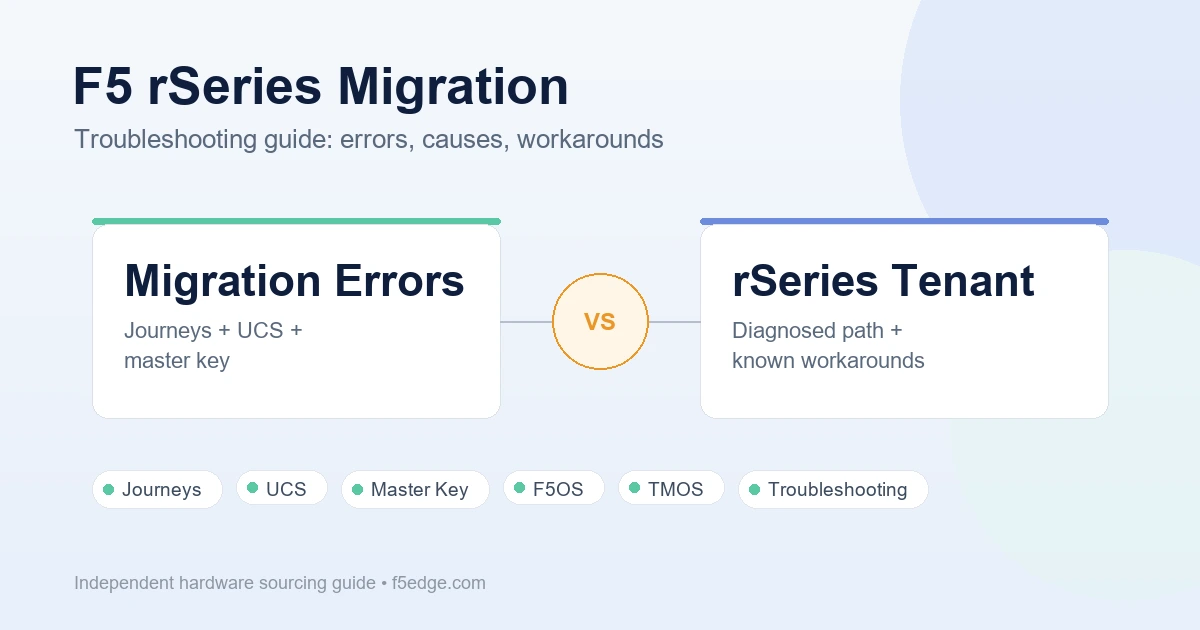
If optics cost or lock-in is part of a broader decision about whether to modernize now versus later, the F5 BIG-IP EOL replacement guide covers the buy-side of that decision, and the F5 rSeries migration troubleshooting guide covers what tends to go wrong once you’ve decided to move.
Quote Checklist
Before requesting a quote for rSeries hardware, use the F5 BIG-IP hardware quote checklist and explicitly ask for optics/DAC pricing to be included in the same quote, not handled separately after the order — per the procurement pattern described above.
Compliance Note
F5, BIG-IP, rSeries, F5OS, iSeries, and related product names are trademarks of their respective owners. F5edge.com provides independent hardware sourcing support and does not claim to be an official or authorized F5 reseller.
Third-party optics and DAC compatibility with F5OS can change between firmware versions. The information in this guide reflects F5’s published accessories documentation and publicly reported community experiences at the time of writing; always confirm current support status and release notes directly with F5 or your reseller before making a purchasing or upgrade decision.
FAQ
Does F5 support third-party SFPs or DAC cables on rSeries?
Officially, no — F5’s hardware accessories documentation states that F5 only provides support for F5-branded or F5-provided transceiver modules. Third-party optics may physically link up if F5OS recognizes the module’s EEPROM identity, but that isn’t the same as being a supported configuration, and F5 TAC support policy centers on F5-branded optics.
Can an F5OS upgrade break third-party optics or DACs that were previously working?
Community reports describe exactly this happening — optics that worked before an F5OS minor-version upgrade were no longer recognized afterward, requiring a rollback. This isn’t confirmed in F5’s own release notes as a documented changelog item for any specific version, so validation behavior should be checked against current release notes and tested in a lab before you upgrade a production unit using non-F5 optics.
Is there any third-party optics compatibility F5 does guarantee?
F5’s BiDi optical transceiver modules are described as compatible with similar optics from other vendors, but F5 states this isn’t based on an IEEE standard and is only guaranteed on F5 platforms — cross-vendor interoperability at 100G specifically is called best-effort, not guaranteed.
If I use F5-branded optics, am I guaranteed a working link to third-party switches?
No. A documented case involved an R10800 with genuine F5-branded SFP28 modules failing to establish a link with Cisco Nexus 9000 switches, and a separate case involved intermittent MAC masquerade failures on an rSeries tenant connected to a Cisco ACI fabric. Both were open F5 support cases without a confirmed public resolution — optics vendor and general interop issues are separate failure modes.
How do I avoid getting a surprise optics bill later?
Ask for optics pricing as part of your original hardware quote rather than as a separate purchase afterward — community feedback describes this as the point where pricing flexibility is most available. See the F5 BIG-IP hardware quote checklist for what else to include in that same RFQ.