
Quote for F5 Appliance
Most iSeries replacement conversations start with a model name and a deadline. Someone has an i5800 or an i10800 in a rack, a lifecycle notice or a support renewal is forcing a decision, and the first question is simply: what do I buy instead?
The tempting answer is to match the number. An i5800 becomes an R5800, an i10800 becomes an R10800. That shortcut happens to land close in some tiers and lands badly in others, because the two platforms do not scale the same way. rSeries is far stronger at Layer 7 relative to Layer 4, so an L7-bound or SSL-bound workload usually moves up a class for free, while an L4-bound or connection-heavy workload can quietly move down a class if you match by name.
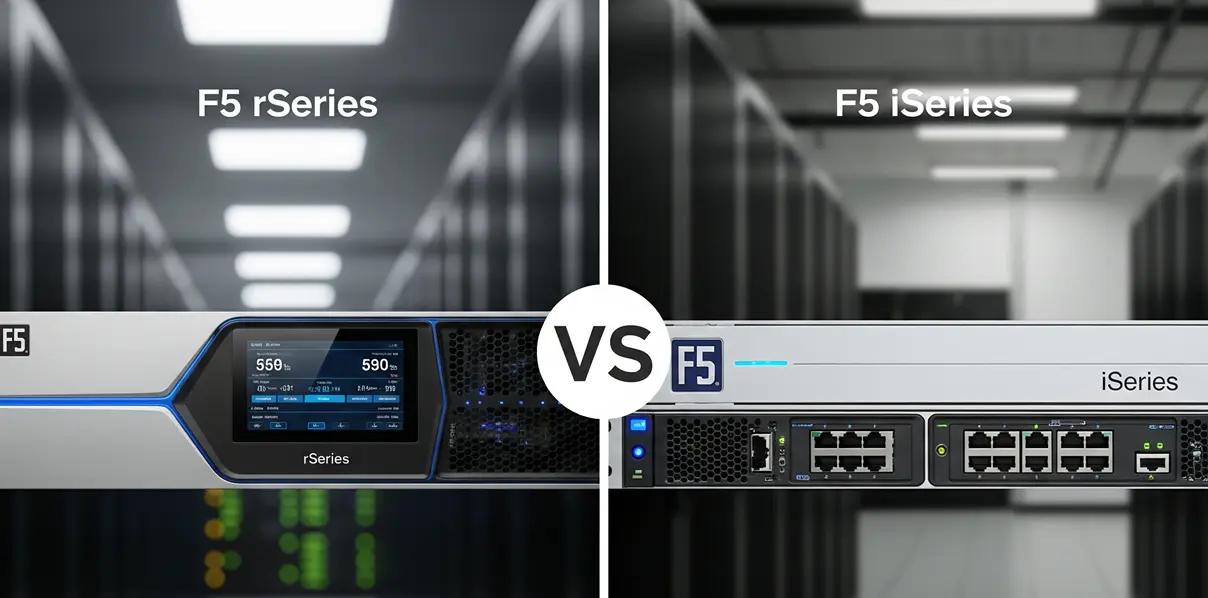
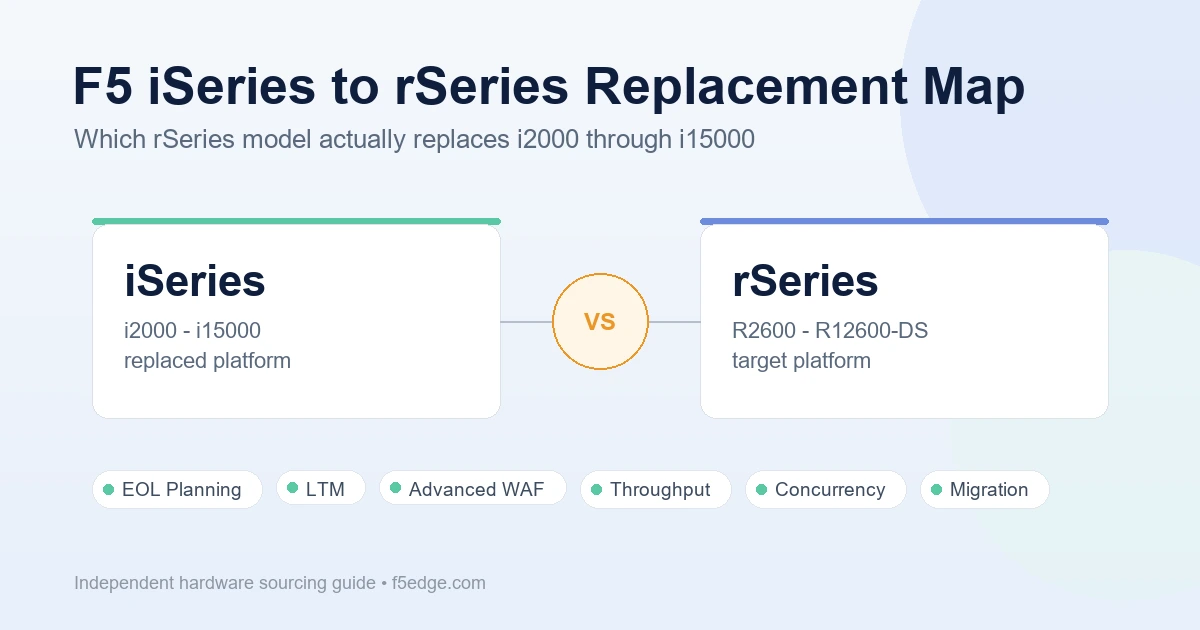
This guide maps each iSeries class to the closest rSeries option using published figures on both sides, and it is honest about the one tier where the map breaks. If you need the process side of a lifecycle project — documentation, licensing, lead time, spare versus refresh — pair this with the F5 BIG-IP EOL replacement guide and the broader F5 rSeries vs iSeries guide.
How to Read the Numbers in This Guide
Two things matter before you use the table.
The iSeries figures are series-level maximums. F5 publishes iSeries performance per series, not per model — an “up to” figure for the i5000 series describes the top model in that series, the i5800, not the i5600 beneath it. If you are replacing the lower model in a pair, the real gap is smaller than the table suggests.
The rSeries figures are per-model LTM figures. They come from the individual appliance listings and describe a specific SKU, not a series ceiling.
So the comparison below is deliberately conservative in one direction: it holds each rSeries model against the *strongest* member of the iSeries class it is replacing. If an rSeries model clears the bar in this table, it clears the whole class.
All figures on both sides are vendor-published maximums measured under ideal conditions. They are useful for shortlisting, not for capacity planning. Size the replacement against your own measured traffic.
The Replacement Map
| iSeries class (top model) | Published L4/L7 throughput | Max L4 concurrent connections | Closest rSeries match | rSeries L4/L7 throughput | rSeries max L4 concurrent connections |
|---|---|---|---|---|---|
| i2000 series | 10 Gbps | 14M | R2600, or R2800 for request-heavy loads | 20 / 13 Gbps | 19M |
| i4000 series | 20 Gbps | 28M | R4600 | 30 / 30 Gbps | 28M |
| i5000 series | 60 / 35 Gbps | 40M | R5600 | 60 / 60 Gbps | 75M |
| i7000 series | 80 / 40 Gbps | 80M | R5800 | 95 / 85 Gbps | 85M |
| i10000 series | 160 / 80 Gbps | 100M | R10600 (see note below on R5900) | 190 / 125 Gbps | 145M |
| i11000 series | 160 / 80 Gbps | 140M | R10600 | 190 / 125 Gbps | 145M |
| i15000 series | 320 / 160 Gbps | 300M | No single-appliance match — see below | — | — |
Tier-by-Tier Notes
i2000 to R2600 or R2800
On throughput and connections this is a comfortable move: the R2600 LTM appliance publishes 20 Gbps L4 and 13 Gbps L7 against the i2000 series ceiling of 10 Gbps, with 19M concurrent connections against 14M.
The one figure that does not automatically improve is request rate. The i2000 series is rated up to 650K L7 requests per second; the R2600 publishes 475K. If the box in question is an i2800 fronting a high-request-rate API or a chatty web tier, that is the number to check, and the R2800 — 875K L7 requests per second, 25 Gbps application throughput, 15,000 hardware SSL TPS — is the honest replacement rather than the R2600.
i4000 to R4600
A clean tier. The R4600 LTM appliance publishes 30 Gbps at both L4 and L7 against the i4000 series’ 20 Gbps, with identical 28M maximum concurrent connections and 30,000 SSL TPS on 2K keys.
Note that concurrent connections are the one metric that does *not* improve here. If the driver for replacement was connection table pressure rather than bandwidth, step up to the R4800 (50 / 40 Gbps, 38M connections, 45,000 SSL TPS) instead of matching flat.
i5000 to R5600
The best-value step in the whole map. L4 throughput is identical at 60 Gbps, but L7 nearly doubles from 35 Gbps to 60 Gbps, and maximum concurrent connections go from 40M to 75M on 128GB of memory. Any i5000-class workload that was L7-bound gets meaningful headroom without moving up a series.
i7000 to R5800
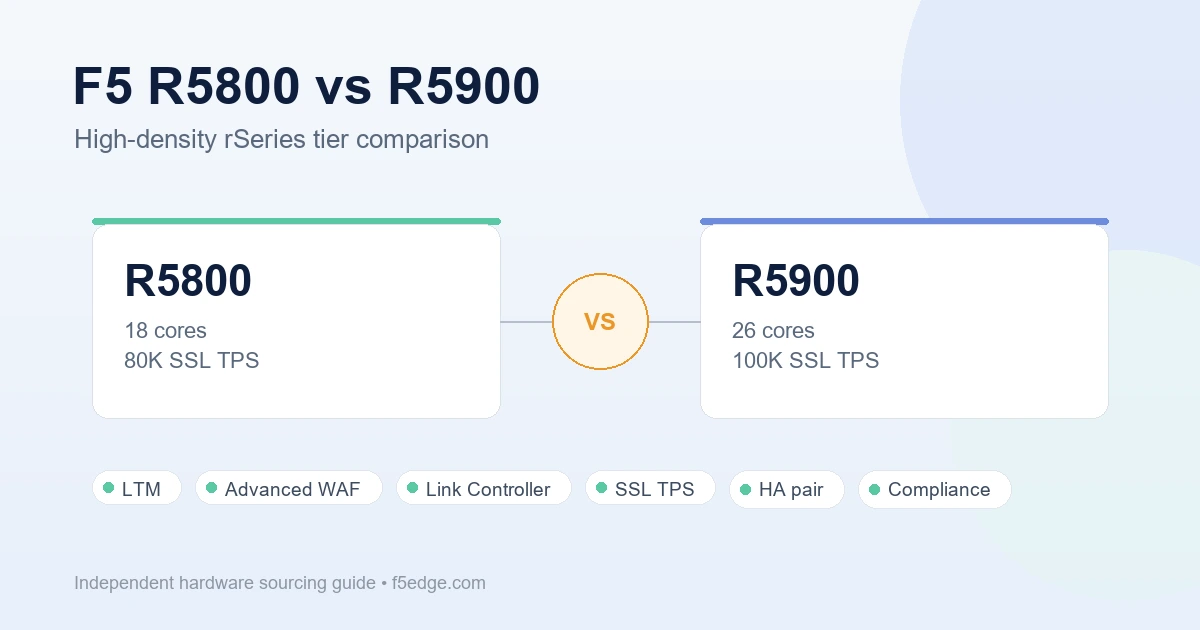
The i7000 series is rated at 80 / 40 Gbps and 80M connections. The R5800 LTM appliance clears all three: 95 / 85 Gbps and 85M connections, with 80,000 SSL TPS. The L7 figure more than doubles, which matters because most i7000 deployments that are struggling are struggling at Layer 7, not Layer 4.
i10000: R10600 Is the Safe Answer, R5900 Is the Conditional One
This is the tier where matching by name and matching by workload diverge.
The i10000 series publishes 160 Gbps L4, 80 Gbps L7, and 100M concurrent connections. The R5900 LTM appliance publishes 100 / 95 Gbps and 100M connections — it *beats* the i10000 at Layer 7 and matches it on connections, but it gives up 60 Gbps of Layer 4 throughput. For an SSL-terminating, policy-heavy application delivery workload, that trade is often fine and saves a class. For an L4-heavy role — packet forwarding, CGNAT-style traffic steering, a device sitting in front of other security appliances — it is a downgrade that will not show up until peak.
The R10600 LTM appliance removes the question: 190 / 125 Gbps, 145M connections, 115,000 SSL TPS, plus RAID1 mirrored drives and dual hot-swappable power supplies that the R5000 class does not carry. If the i10000 was doing anything a business considers critical, the redundancy alone usually justifies the tier. Our R5800 vs R5900 comparison covers where the R5000 ceiling actually sits.
i11000 to R10600
The tidiest match in the table. The i11000 series is rated 160 / 80 Gbps with 140M connections; the R10600 publishes 190 / 125 Gbps with 145M connections. Every axis improves, and the improvement at Layer 7 is roughly 55%. If the workload has grown since the i11800 was installed, the R10800 (190 / 145 Gbps, 160M connections, 150,000 SSL TPS) is the natural headroom option on the same chassis.
i15000: The Tier Where the Map Breaks
This is the finding worth planning around.
The i15000 series publishes 320 Gbps L4, 160 Gbps L7, and 300M maximum concurrent connections. Nothing in this catalog matches that on a single appliance:
- The R10900 is the top of the standard rSeries line at 190 / 190 Gbps and 180M connections. Its L7 throughput is *higher* than the i15000’s 160 Gbps, but its L4 throughput is 130 Gbps lower and it holds 120M fewer connections.
- Moving to the DS tier does not close the gap either. The R12600-DS Best Bundle publishes 195 Gbps L4 and 146 Gbps L7 with 399M concurrent connections and 270,000 SSL TPS. The connection ceiling is solved with room to spare, but Layer 4 throughput is still 195 Gbps against 320 Gbps, and Layer 7 is slightly below the i15000 figure.
So an i15800 replacement is not a model-selection exercise, it is a design exercise. Three practical paths:
- Measure before you size. The 320 Gbps figure is a platform maximum. Very few i15000 deployments run anywhere near it. If your actual peak is 90 Gbps of mostly-L7 traffic, an R10900 is a straightforward upgrade and the headline gap is irrelevant.
- Scale out rather than up. Two appliances in an active-active design can carry what one i15800 was rated for, and often improves the failure domain compared with a single very large box.
- Go to the DS tier for connection-bound and service-consolidated workloads. If the i15800 was chosen for its 300M connection table or because it runs several modules at once, the R12600-DS solves the actual constraint. Our R10900 vs R12600-DS comparison covers that boundary in detail, including the fact that the DS series is sold only as a Best Bundle.
The point is not that rSeries is weaker. The point is that rSeries scales toward balanced L4/L7 performance and service consolidation, while the i15000 was built around raw Layer 4 capacity — so a one-to-one swap at the top of the range compares two different design goals.
What to Verify Before You Order
The map narrows the shortlist. It does not finish the job. Confirm, for every candidate:
- Supported BIG-IP software versions on the target platform, and whether your required version is among them
- Module availability and licensing path for LTM, Advanced WAF, Link Controller, DNS, or APM as deployed today
- Whether license transfer or re-hosting is possible for your entitlements — replacement hardware does not carry your existing licenses with it
- Interface and transceiver compatibility, including whether existing optics carry over
- HA pair design, and whether a mixed-platform pair is acceptable during migration
- vCMP guest counts and per-guest resource requirements, if you run virtualized instances
- Rack, power, and cooling differences between the old and new platform
- Real measured peak traffic, SSL handshake rate, and connection counts — not the old appliance’s rating
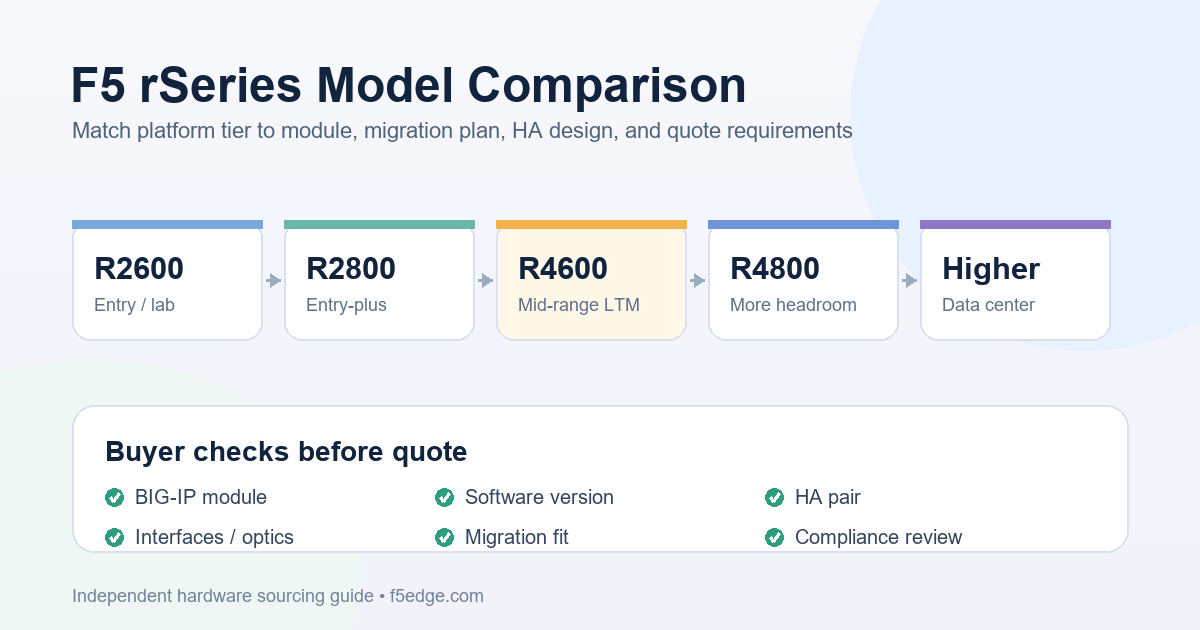
If the shortlist is still wide after this, the rSeries model comparison guide walks through the entry, mid-range, and high-capacity tiers side by side.
Quote Checklist
An iSeries replacement quote request moves faster when it includes:
- Current iSeries model and quantity, serial numbers where available, and software version
- Licensed modules in use today and modules required on the replacement
- HA status: standalone, active-standby pair, or active-active cluster
- Measured peak L4 throughput, L7 throughput, SSL TPS, and concurrent connections
- Target rSeries model plus acceptable alternatives, so availability does not stall the quote
- Required ports, optics, power supplies, rails, and power cords
- Company name, delivery city, destination country, and required delivery date
- Whether the purchase is production, lab, spare, or resale
- Preferred condition, warranty expectation, and quote validity period
- Export control, end-user, and trade compliance documentation requirements
A reusable, model-independent version is in the F5 BIG-IP hardware quote checklist.
Compliance Note
F5, BIG-IP, iSeries, rSeries, LTM, Advanced WAF, Link Controller, and related product names are trademarks of their respective owners. F5edge.com provides independent hardware sourcing support and does not claim to be an official or authorized F5 reseller.
Performance figures in this article are vendor-published maximums, measured under ideal test conditions, and are reproduced here for shortlisting purposes only. They are not a capacity guarantee for any deployment. F5edge.com does not guarantee stock, pricing, delivery dates, support eligibility, license transfer, software entitlement, or configuration compatibility. Quote requests are subject to export control and trade compliance review. Buyers should verify all technical, licensing, support, and compliance requirements before purchase.
FAQ
Can I just replace my i5800 with an R5800?
In this case the numbers happen to work — the R5800 publishes 95 / 85 Gbps and 85M connections against the i5000 series’ 60 / 35 Gbps and 40M — but the matching model numbers are a coincidence, not a rule. The i7000 series also maps to the R5800, and the i10000 series does not map cleanly to the R10800 at all. Match on measured workload, not on the number in the name.
Why does the R5900 have lower Layer 4 throughput than the i10800 it would replace?
Because the two platforms optimize differently. rSeries pushes Layer 7 and SSL performance close to Layer 4 performance — the R10900, for example, publishes 190 Gbps at both layers — while the iSeries platform was designed around a much larger Layer 4 ceiling than its Layer 7 ceiling. An L7-bound workload usually gains capacity in the move; an L4-bound workload needs to be sized deliberately.
What replaces an i15800?
No single appliance in this catalog matches the i15000 series’ published 320 Gbps L4 throughput and 300M concurrent connections. The R10900 exceeds it at Layer 7 but not Layer 4, and the R12600-DS solves the connection ceiling at 399M but publishes 195 Gbps L4. In practice the answer depends on measured traffic: many i15800 deployments run far below the platform maximum and fit an R10900 or R12600-DS comfortably, while genuinely L4-saturated deployments should be planned as a scale-out design rather than a one-for-one swap.
Do concurrent connection figures matter more than throughput?
They matter more than most buyers expect. Connection tables are memory-bound, and a workload with many long-lived or idle connections can exhaust that ceiling long before bandwidth becomes an issue. The i4000-to-R4600 step is the clearest example in this map: throughput improves by 50% while maximum concurrent connections stay flat at 28M.
Does replacement hardware carry over my BIG-IP licenses and support?
No. License transfer, re-hosting, software entitlement, and manufacturer support eligibility are separate from hardware availability and must be verified through the appropriate licensing or support process before purchase.