
Quote for F5 Appliance
Most rSeries replacement guides talk about hardware sizing and stop there. But a large share of BIG-IP deployments are not standalone appliances — they are active-standby or active-active HA pairs, and the migration question that actually stalls these projects is rarely “which model,” it’s “how do I move an HA pair onto new hardware without a maintenance window that risks the pair itself.”
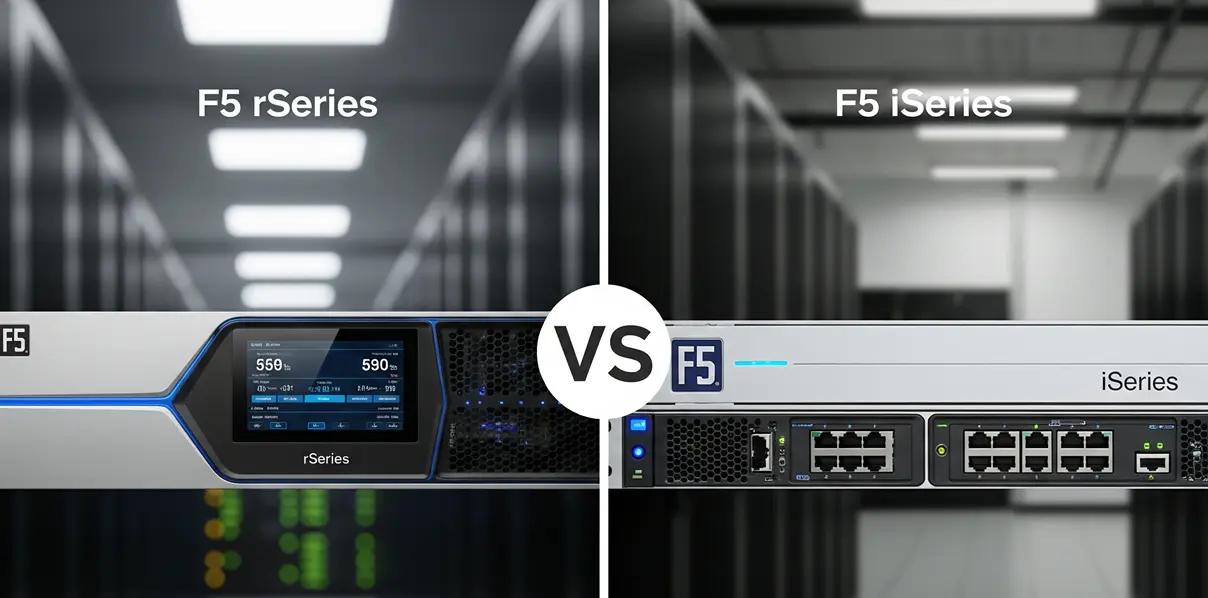
The instinct is to treat it like a single-box swap done twice: replace one member of the pair, let it rejoin the device group, then replace the second member. That instinct is the thing to avoid. This guide covers why, and the parallel-build pattern that F5 shops actually use instead. For hardware sizing itself, pair this with the F5 iSeries to rSeries replacement map and the F5 BIG-IP EOL replacement guide.
Why One-at-a-Time Doesn’t Work
A BIG-IP HA pair is a Device Service Clustering (DSC) sync-failover group, not two independent boxes that happen to share a config. Putting a new rSeries unit into service alongside a surviving legacy unit — even temporarily, even just to keep the pair “covered” during the swap — creates a mixed-platform device group, and that has real problems beyond vendor support policy:
- Config sync does not guarantee behavioral parity across platforms. A sync-failover group replicates configuration, not hardware capability. If the surviving legacy unit cannot actually execute the synced config at the same throughput or connection ceiling as the new rSeries unit, a failover in either direction is a capacity surprise, not a clean failover.
- Interface, VLAN, and trunk mapping rarely lines up 1:1. rSeries chassis have different port layouts and naming than iSeries or older BIG-IP hardware. A config sync that assumes matching interface names can silently fail to apply, or apply to the wrong interface.
- The failure mode shows up during an actual failover, not during testing. A mismatched pair can look completely healthy in steady state. The gap only appears under real failover load — which is exactly the moment a team cannot afford a surprise.
The one-at-a-time approach also removes the one thing an HA pair exists to provide: a tested fallback. Once the first legacy unit is gone, there is no way back to the known-good pair if the new unit misbehaves.
The Parallel-Build Pattern
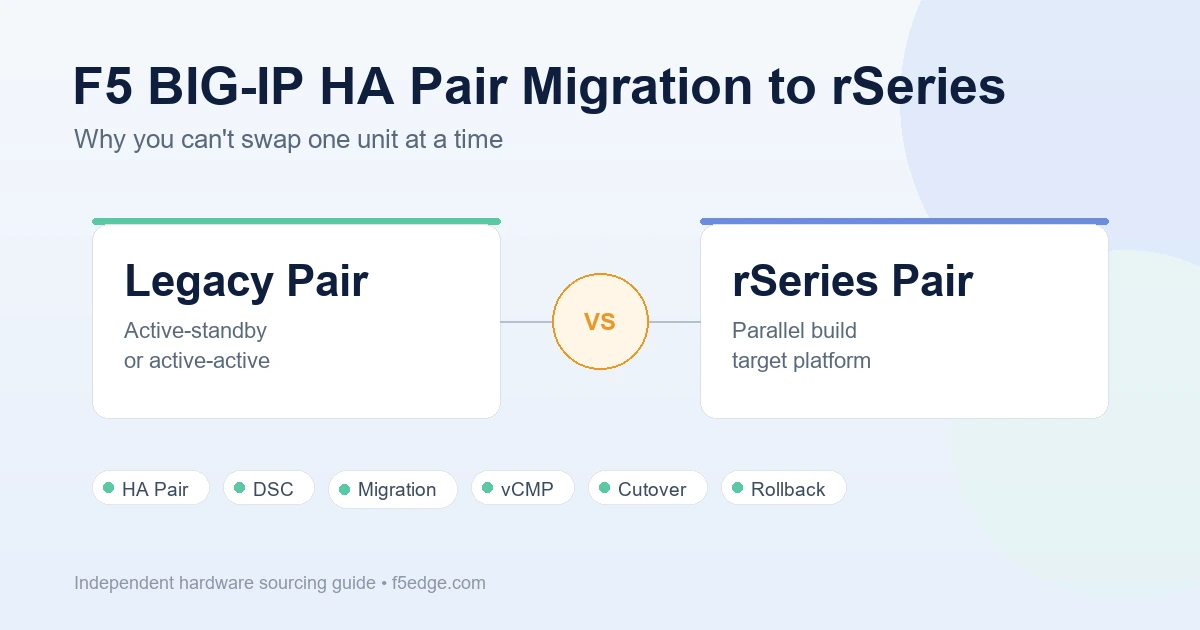
The migration pattern that avoids this is to treat the new rSeries pair as a separate build, not a replacement-in-place:
- Stand up the new rSeries pair as its own independent device group. Both units, fully licensed, fully cabled, fully configured — running alongside the existing legacy pair, not inside it.
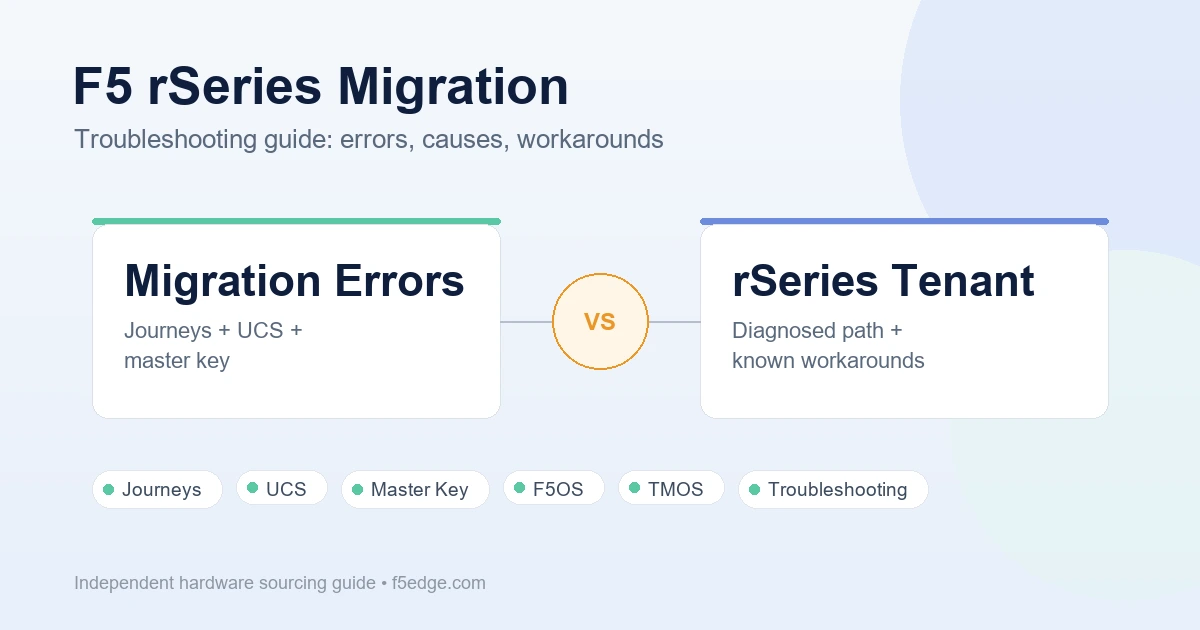
- Migrate configuration via export and import, not live sync. A UCS or SCF (Single Configuration File) export from the legacy pair gives you the virtual servers, pools, monitors, iRules, and profiles to rebuild on the new pair. This is a one-time transfer step, not an ongoing sync relationship between old and new hardware.
- Re-map what does not transfer cleanly. Interface and VLAN assignments, trunk configuration, and anything tied to the old chassis’s physical layout needs to be rebuilt against the new platform’s port map, not copied over blind.
- Validate the new pair independently. Test failover between the two new rSeries units on their own, with production-equivalent traffic if possible, before either unit touches production traffic. This is the point at which module provisioning (LTM, Advanced WAF, Link Controller) and license activation get caught if something is wrong — not after cutover.
- Cut traffic over in a single planned window, not gradually. Depending on the environment this is a virtual server IP re-home, a routing change, or a DNS cutover — but the point is that traffic moves from the old pair to the new pair as a discrete event, with the old pair still fully intact and able to take traffic back if the cutover doesn’t hold.
- Keep the old pair intact until the new pair has carried real production traffic through at least one full cycle. Decommissioning immediately after cutover removes the fallback before you actually know the new pair is solid.
The extra hardware cost of running two full pairs briefly in parallel is the trade-off for never being without a tested, working pair during the migration. Teams that skip the parallel build to save on temporary hardware are the ones who end up doing an unplanned emergency replacement mid-migration instead.
What Actually Moves During Cutover
Teams new to this migration pattern sometimes assume the “cutover” is a networking-only event. In practice, three things need to be verified as moving together, not separately:
- Traffic path — the routing, DNS, or IP re-homing change that actually sends production traffic to the new pair.
- State — persistence tables, connection state, and anything session-related that a hard cutover will not carry forward. Plan the cutover window around what your applications can tolerate losing.
- Monitoring and alerting — dashboards, SNMP traps, and log shipping pointed at the old pair’s management IPs need to be repointed, or the new pair will be running blind on day one.
Common Mistakes
- Assuming license transfer is automatic. rSeries licensing is tied to the new hardware, not inherited from the legacy pair. Confirm entitlement and activation before the validation step, not during the cutover window.
- Treating the new pair as “spare capacity” instead of a real pair. A device group that has never seen a real failover test is not a validated HA pair, regardless of how the configuration looks.
- Skipping a rollback plan because the new hardware “should just work.” The old pair is the rollback plan. It only works if it is still running and untouched when the cutover happens.
- Migrating vCMP guests as if they were standalone instances. If the legacy environment runs vCMP, each guest has its own provisioning and licensing footprint that needs to be planned per guest, not assumed to migrate as a single unit alongside the host.
Sourcing Implications
This changes what a hardware quote request should actually ask for:
- Quote for a matched pair, not a single unit plus a later second order — mismatched purchase timing can mean mismatched software revisions on arrival.
- Confirm both units ship with identical modules, port configuration, and accessories. A pair with different SFP counts or optics is a migration problem waiting to happen.
- Ask about lead time for the full pair together. A parallel-build migration is only as fast as the slower of the two units to arrive.
Quote Checklist
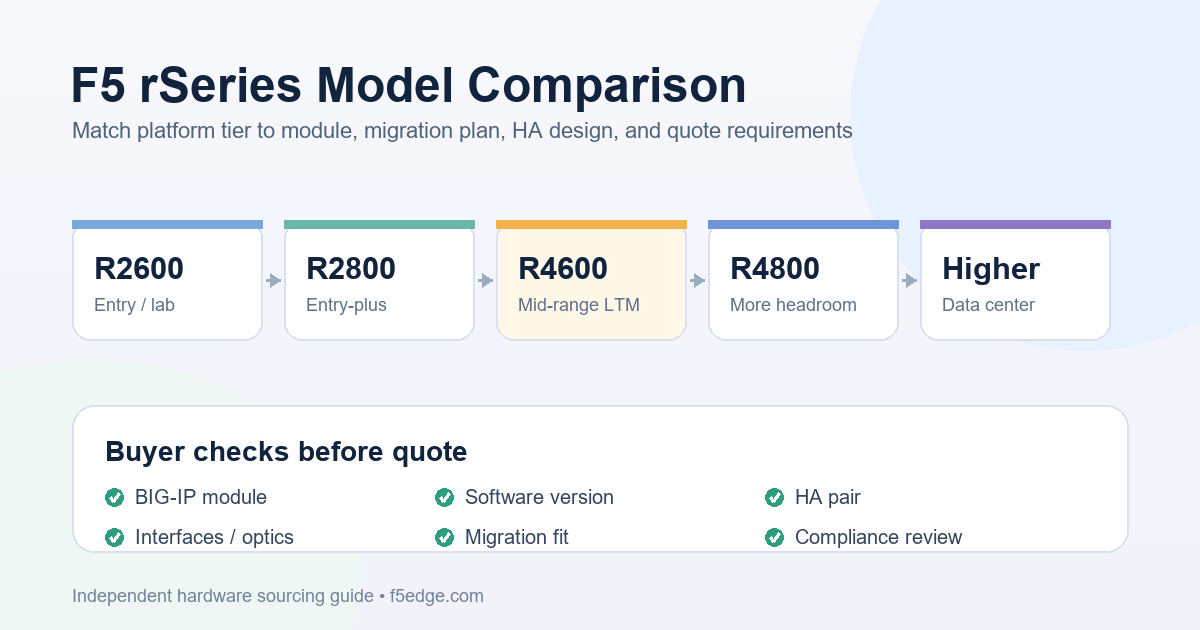
An HA pair replacement quote request should include everything in the F5 BIG-IP hardware quote checklist, plus:
- Confirmation that both units in the pair are being quoted and shipped together
- Current HA architecture: active-standby or active-active, and number of traffic groups if active-active
- Whether vCMP is in use, and how many guests need to be accounted for in sizing
- Target software version for both new units, confirmed supported before order
- Planned cutover window and whether expedited shipping is a requirement for either unit
Compliance Note
F5, BIG-IP, iSeries, rSeries, LTM, Advanced WAF, Link Controller, and related product names are trademarks of their respective owners. F5edge.com provides independent hardware sourcing support and does not claim to be an official or authorized F5 reseller.
F5edge.com does not guarantee stock, pricing, delivery dates, support eligibility, license transfer, software entitlement, or configuration compatibility. HA architecture, device group configuration, and migration procedures should be validated against current F5 documentation and your own environment before any production cutover. Quote requests are subject to export control and trade compliance review.
FAQ
Can I add a new rSeries unit to an existing HA pair alongside a legacy unit?
It can be technically possible to join a mixed-platform device group temporarily, but it is not a pattern to plan around. Configuration sync does not guarantee that both platforms behave identically under load, and interface or VLAN mapping rarely matches between older hardware and rSeries. Any mismatch tends to surface during an actual failover, not during setup.
Do I need to buy the whole HA pair at once?
It is strongly preferable to. Ordering the two units separately risks arrival on different software revisions or with different module provisioning, both of which complicate building a clean, matched device group.
What happens to my BIG-IP configuration when I move to rSeries?
Configuration is migrated via export and import (UCS or SCF), not carried over automatically. Interface, VLAN, and trunk assignments typically need to be re-mapped to the new platform’s port layout rather than copied directly.
How long should I keep the old HA pair after cutover?
Until the new pair has carried real production traffic through at least one full operating cycle, including whatever failover testing your change process requires. The old pair is the rollback plan, and it stops being useful the moment it is decommissioned.
Does this apply to vCMP deployments too?
Yes, with an added layer: each vCMP guest has its own provisioning and licensing footprint. A parallel-build migration for a vCMP host needs to plan guest-by-guest, not assume the whole host migrates as one unit.