
Quote for F5 Appliance
If your F5 BIG-IP hardware is past its support renewal date, or the platform itself has hit end-of-life, the question that actually matters isn’t “is this bad” — it’s “what can I still do, and what’s going to fail on me.” The honest answer is a mix: your box keeps passing traffic, but the moment you try to touch licensing, software, or TAC, expired support becomes a hard wall, not a soft inconvenience. This guide separates what keeps running from what gets blocked, using real cases from F5’s own community forums, so you can plan a safe upgrade path instead of finding out the hard way mid-maintenance-window.
What “EOL” Actually Means — and Why Hardware and Software Have Separate Clocks
F5’s lifecycle terminology covers a sequence of milestones, not one single cutoff date: End of Sale, End of Software Development (EoSD), End of Technical Support (EoTS), and eventually End of Life (EoL), when F5 stops supporting the product in any form. The detail that trips people up most: hardware and software lifecycles run on independent clocks. Your rSeries or iSeries chassis can still be years away from hardware EoL while the specific TMOS version you’re running has already hit EoTS — or the reverse.
That mismatch is a real, reported problem, not a hypothetical one. One operator running older hardware described it plainly: their hardware wasn’t EOL until the following year, but the software (16.1) was already end-of-life that July, forcing a choice between running unsupported software or upgrading to a version with “no TAC support” on hardware not yet officially retired — what they called “a calculated risk,” not a comfortable decision. F5’s own EOL announcements follow the same pattern: BIG-IP 15.x reached End of Life on December 31, 2025, and F5’s public notice stated technical support for 16.x would also expire in mid-2026, with F5 directly recommending migration to 17.x or 21.x. If you’re still on 15.x or 16.x, that’s not a future problem — check your version against F5’s End of Life/End of Sale index (K11478) now, not at your next renewal.
Perpetual License Doesn’t Mean “Support Never Expires”
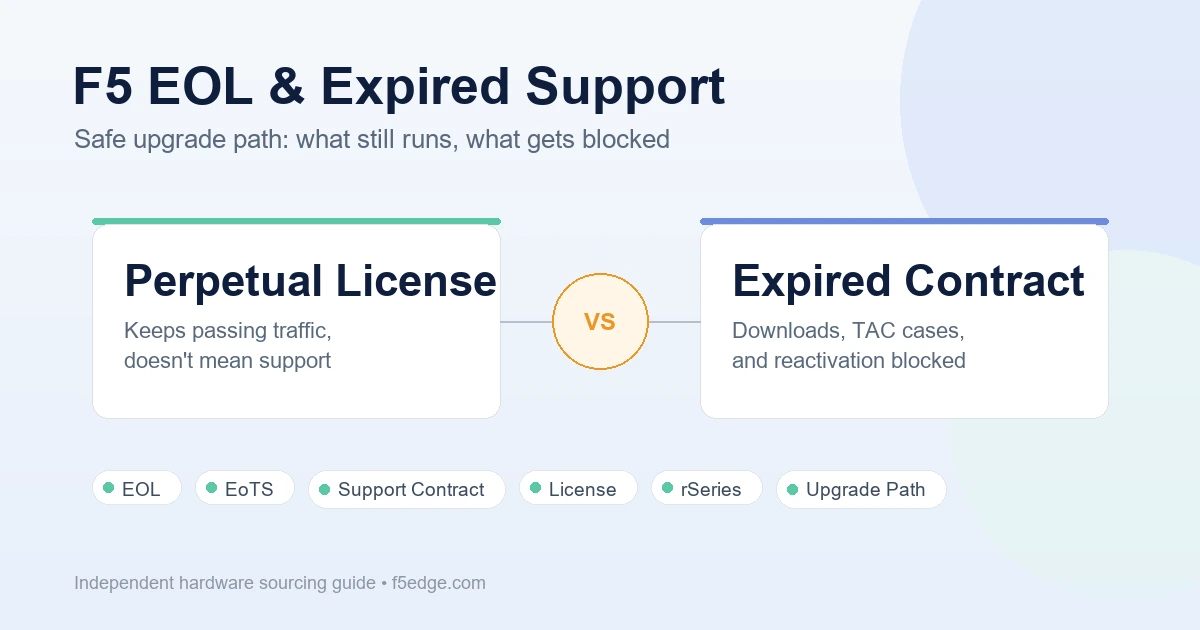
This is the distinction that causes the most confusion, and it’s worth stating clearly: a perpetually licensed BIG-IP unit does not stop passing traffic the day your support contract lapses. The license itself, and the configuration already running on the box, keep working. What an expired support contract blocks is everything *around* that — new software downloads, TAC cases, and (this is the one people don’t expect) re-activating or re-licensing the unit at all.
Real reports back this up on both sides:
- One F5 Community member with two i4600 units — both licensed for life — was blocked from downloading a BIG-IP ISO to reinstall after a hard drive failure, specifically because there was no active support contract, despite the perpetual license itself being valid. Their own words: “which is a biiiiig thing even both boxes are licensed for life.”
- A separate case, this time from an authorized F5 reseller doing internal lab testing on a retired i5800, hit the same wall trying to open a support case: “Because the support contract has expired, I’m unable to open an F5 Support case for this appliance.”
Neither of these is an edge case — they’re the two most common ways “perpetual license” gets misread as “perpetual support.”
Can You Still Reactivate a License or Upgrade Software With Expired Support?
This is the question that shows up most often from admins sitting on older hardware, and it deserves a direct answer instead of a hedge: no — a license re-activation attempt will fail outright if your support contract isn’t active, independent of whether the underlying hardware license is perpetual. One admin asked exactly this on F5’s DevCentral forum before attempting a software upgrade that required re-activation, worried about whether it would interrupt traffic mid-process. A community response gave the actual mechanism: “Your re-activation will fail, for you do not currently have an active support contract” — the process doesn’t get far enough to touch the running configuration at all; it’s blocked at the license-check step before anything on the data plane is at risk.
That’s a meaningfully different risk profile than “reactivating might break my traffic.” In practice, a blocked reactivation is a failed API/license call, not a service interruption — but confirm your support contract’s status *before* you schedule any change window that depends on a successful reactivation or upgrade, so you’re not discovering the block during a live maintenance event. F5 provides an official way to check this ahead of time: K32755669, “How to verify support contract end date”.
What This Means If You’re Deciding Whether to Renew, Upgrade, or Replace
Put together, the practical picture for a unit sitting on expired support looks like this:
- Keeps working: the currently running configuration, traffic passing through existing virtual servers, and the perpetual license itself (if you have one).
- Blocked immediately: opening a new TAC case, downloading new software builds or ISOs, and any license re-activation or re-licensing action — even on hardware described as “licensed for life.”
- Not addressed by community sources, and not something this guide will assert as guaranteed: exact behavior on every TMOS/F5OS version, or whether every re-activation attempt fails identically in every scenario. If your situation is time-sensitive, confirm current behavior with F5 or your reseller before you act — don’t plan a production change around a forum thread, including this one.
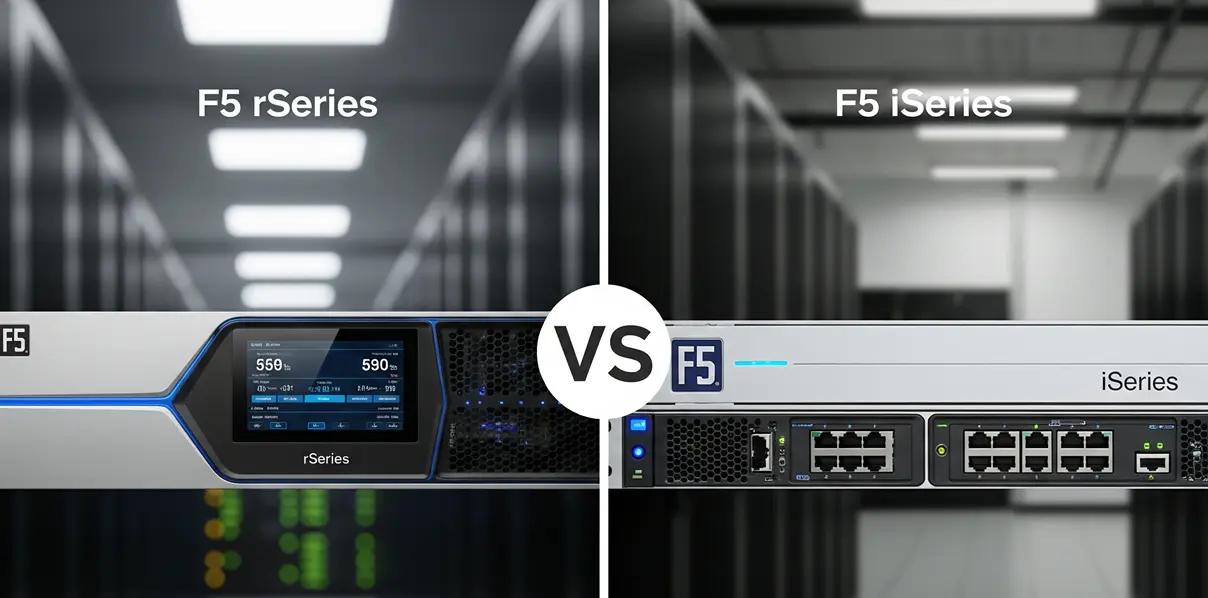
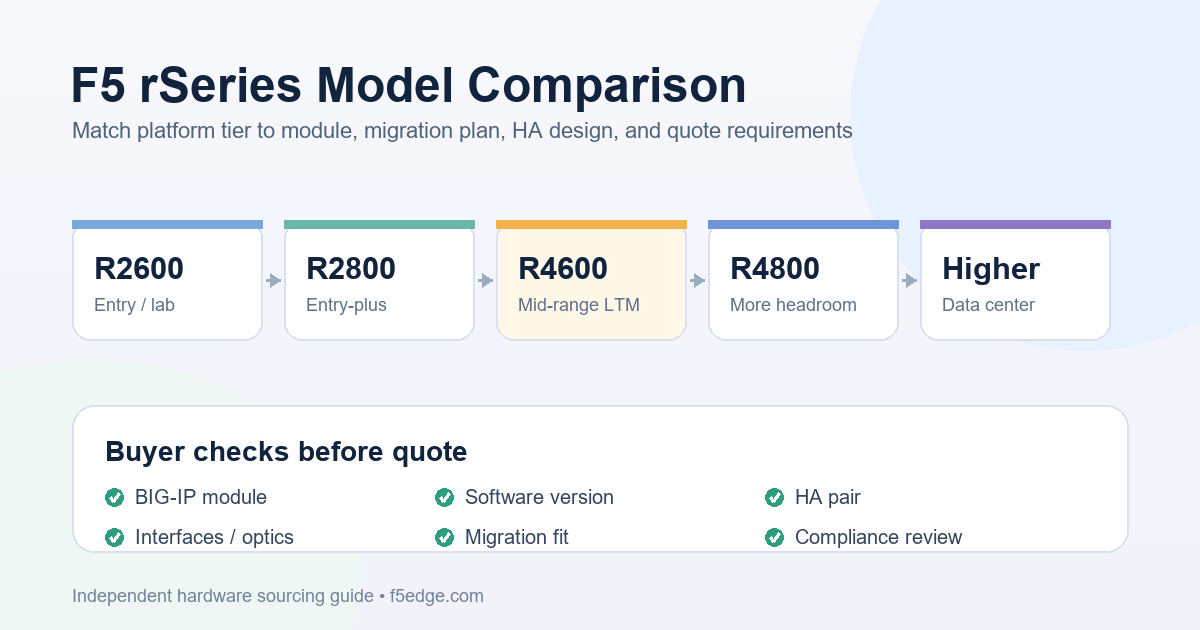
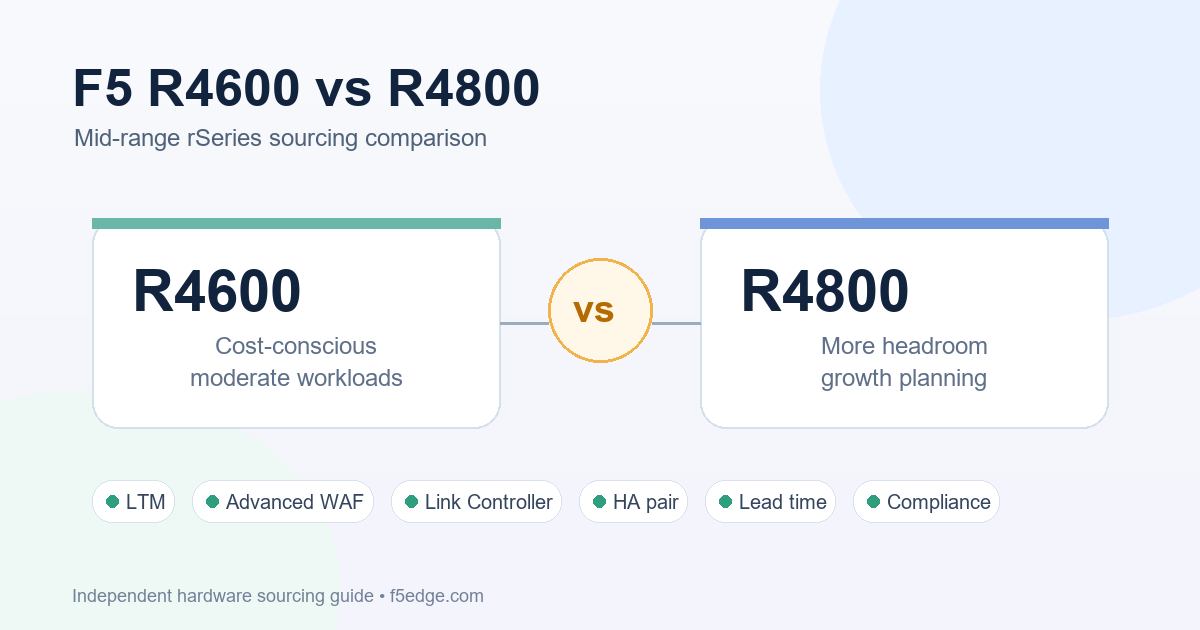
If your hardware is approaching EoTS or you’re already past it, the decision isn’t really “renew support” versus “do nothing” — it’s “renew support long enough to execute a planned move” versus “replace before the next incident forces the timing.” The F5 BIG-IP EOL replacement guide covers that buy-side decision — which rSeries model replaces which retiring platform. Once you’ve decided to move, the F5 rSeries migration troubleshooting guide and the iSeries to rSeries replacement map cover the execution side, and HA pair migration if you’re running a redundant pair rather than a standalone unit.
Safe Upgrade Path Checklist
- Check your support contract end date first, using K32755669 — before you schedule any maintenance window that assumes you can re-license, upgrade, or open a TAC case.
- Check hardware and software EOL separately. They run on independent clocks — use K11478 to check both your chassis platform and your current TMOS/F5OS version, not just one.
- Don’t assume “licensed for life” means “downloads and support included.” Perpetual licensing covers the software you already have installed, not future access to new builds or TAC.
- If a re-activation or upgrade fails, check support status before you troubleshoot further. An expired contract will block the license call outright — that’s the most common root cause, not a corrupted license file or a bug.
- If you’re planning to stay past EoTS deliberately (a “calculated risk,” in one admin’s words), document that decision — you’ll be operating without TAC support on that version, and that should be an explicit choice, not something discovered mid-incident.
- If replacement is the right call, start with the buy-side decision, using the EOL replacement guide and the hardware quote checklist before you get into execution details.
Compliance Note
F5, BIG-IP, rSeries, iSeries, F5OS, and related product names are trademarks of their respective owners. F5edge.com provides independent hardware sourcing support and does not claim to be an official or authorized F5 reseller.
Lifecycle milestones, support entitlements, and license-reactivation behavior can vary by product, platform, and contract type, and F5’s policies can change. The information in this guide reflects F5’s published lifecycle policy documentation and publicly reported community experiences at the time of writing; always confirm your specific support contract status and current policy directly with F5 or your reseller before making an upgrade, renewal, or replacement decision.
FAQ
Does my F5 hardware stop working the day my support contract expires?
No. A perpetually licensed unit keeps running its existing configuration and passing traffic after support lapses. What stops is everything that depends on an active contract: opening new TAC cases, downloading new software, and re-activating or re-licensing the unit.
Can I still download BIG-IP software or open a support case if my support contract has expired but the hardware license is perpetual?
No — both require an active support contract, independent of whether the hardware license itself is perpetual. Real cases reported on F5’s community forum describe exactly this: units “licensed for life” still blocked from ISO downloads and TAC case creation once the support contract lapsed.
Is it safe to attempt a license reactivation on hardware with expired support?
A reactivation attempt without an active support contract will fail at the license-check step — it won’t proceed far enough to affect your running configuration or traffic. That’s a different risk than “reactivating breaks my traffic,” but confirm your contract status before scheduling any change window that depends on a successful reactivation, so you’re not discovering the failure during a live maintenance event.
My hardware isn’t EOL yet, but my software version is (or vice versa) — what do I do?
Hardware and software lifecycles run independently at F5, so check both separately using K11478. Some admins do deliberately stay on EOL software on non-EOL hardware as a documented, accepted risk when TAC support isn’t a hard requirement — but that should be an explicit decision, not a default.
How do I check when my F5 support contract actually expires?
F5 publishes an official method for this: K32755669, “How to verify support contract end date.” Check it before you plan any maintenance window that assumes an active contract.